An introduction...
The Macintosh first released in February of 1984, having been formally announced a few weeks earlier with a presentation by Steve Jobs. It wasn't the first graphical user interface, or GUI, it wasn't even Apples first go at a machine like this. But it was a revolution in home computers none the less. It went up against Commodores vic-20 and the heavily anticipated PCjr, codenamed Peanut. The Macintosh was a decent sales success, but the cost of the division and the failure to gain a foothold over the IBM PC and MS-DOS sent Steve Jobs looking for a new job.
We've had an obsession with old Macintosh computers for most of our childhood, we had several we would tinker around with. From a few G3's to a G4, SE/30, iBooks, and even a Performa 637 CD Money Magazine Edition. We also had a Mac Plus that we could never find the system disks for, and then junked when we couldn't even open the case to fix its dead power supply.
The Mac Bug has left us a little bit, we no longer collect old ones and we've stopped using new ones as our daily driver (throttle my Finder file transfers, will ya M2 MacBook Pro?) but we still have an interest, and lots and lots of esoteric knowledge about these machines.
The one that has always captivated us the most have easily been the all-in-one machines. iMacs, the LC 475, and the original classic macs. We've said time and time again that we could use an old Classic or Color Classic as our main computer if we didn't need this new fangled internet. But how useful can one of these old machines be? Very, especially with modern add-ons! An iMac G3 can't do YouTube or social medias, or most modern websites, but with FrogFind and Classica you could probably get decently far on the internet.
But what about the very first Mac, the Macintosh 128K? What could we do with one of those? What can be done with Macintosh System One?
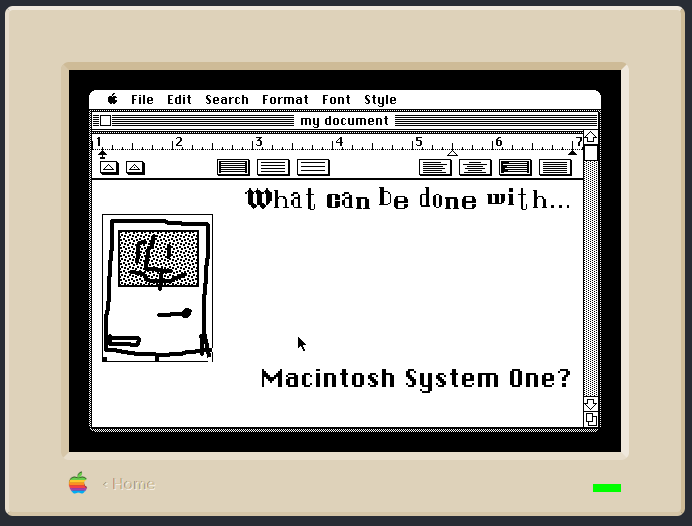
We don't have an ancient machine to use, but with the power of Infinite Mac.com we can emulate an old computer! We set the ram to 128k, but naturally with no floppy disks to read loading takes much less time than it may otherwise. Still, let's see how usable it is.
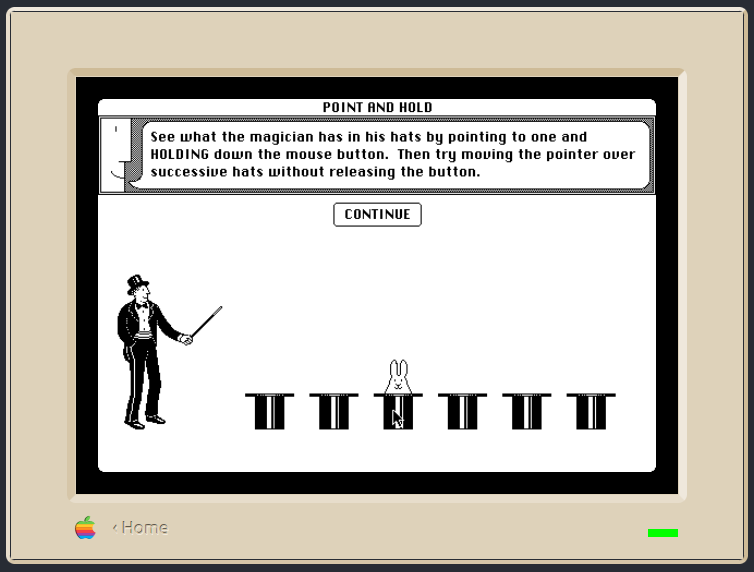
First, we took a guided tour of Macintosh to get some bearings on what the system is like. We learned how to use the mouse, how windows work, and some basic functions of the finder that we honestly didn't know were there otherwise. Essentially if you know how to use a modern mac, a lot of it carries over. There's no dock, and running more than one program at a time is... ill-advised, but everything else checks out. the menu bar contains everything you need to operate a program, keyboard commands are discouraged because this is a graphical interface, but obviously well known keyboard commands are still there.
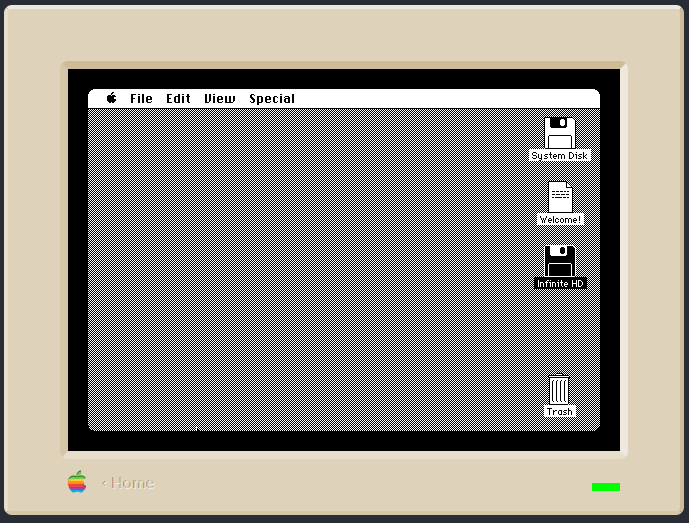
What isn't there is function keys, a number pad, page up and down, or even arrow keys. The original Mac keyboard is incredibly basic on purpose, meant to encourage use of the mouse, which is a one button mouse. Right clicking is a foreign concept at this point, it wouldn't be until higher end Unix workstations came more into play that a three-button mouse became the norm. Of course Apple didn't put out a multi-button mouse for another few decades.
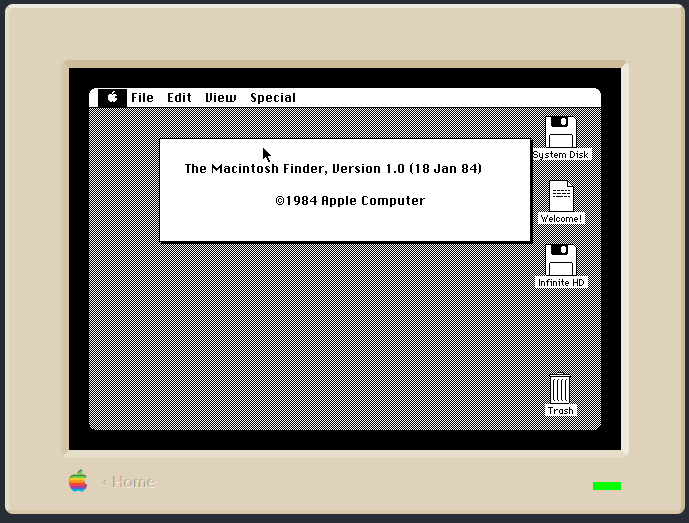
Bundled with the original Macintosh was system disks, the guided tour, and MacWrite and MacPaint. You would load your system disk first, then load your program. You only have one floppy drive so, get used to swapping disks around unless you got an external one. The guided tour does boot on its own, which is nice.
The first third-party developer to support the Mac was, go figure, Microsoft. Microsoft Word and Microsoft Excel were some of the first third party software to market, to compete with Apple's in-house productivity suite.
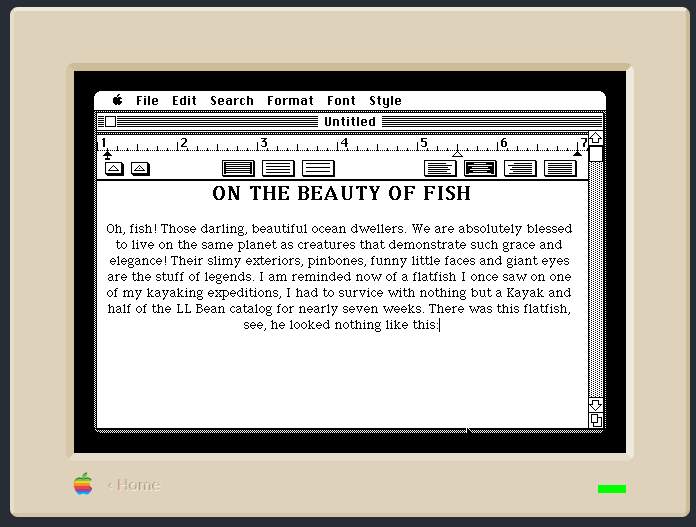
There's a certain amount of inter-operability with these. You can make a drawing in MacPaint or a graph in MacDraw, put it in your scrapbook (a fancy clipboard) and then paste it into a document in MacWrite. When you don't want a document you put it in your trash can, you make notes on a note pad and you have a desktop calculator you can pull up whenever you need it. You can have multiple of these going at once, but after four our system crashed. Oops.
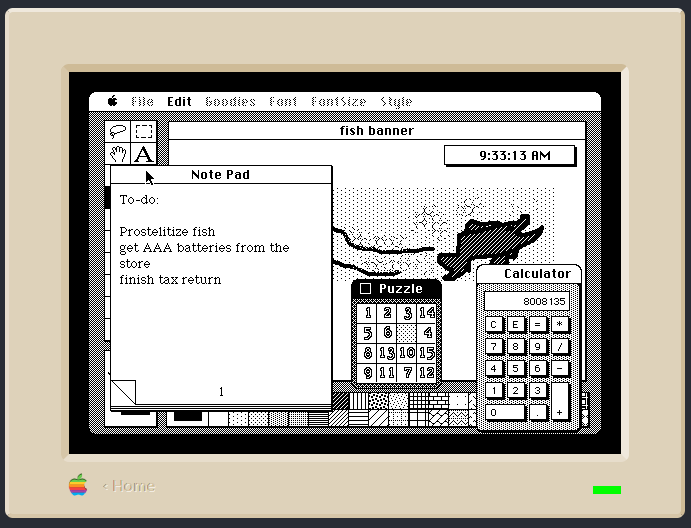
Skeuomorphism like this is what made the Macintosh so user friendly, and what endeared people to it. The graphics by Susan Kare only add to that. Plus, the Macintosh was one of the first systems to have WYSISYG printing from the start. That means what you see on the page is what goes to the printer, your fonts scale right and the printer can understand what graphics are. This is why the Macintosh took off in the publishing world, it was designed for it.
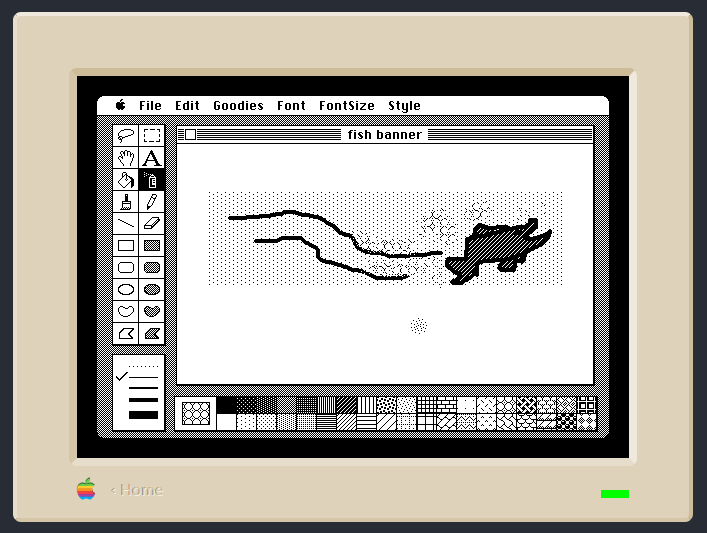
Sadly, with Infinite Mac's very basic implementation of system one and us not being on real hardware, we can't export our beautiful fish brochure out to the world, nor can we print it and keep a physical copy (because you must remember, paper copies were how files got around before the internet, the paper copy was your permanent record.)
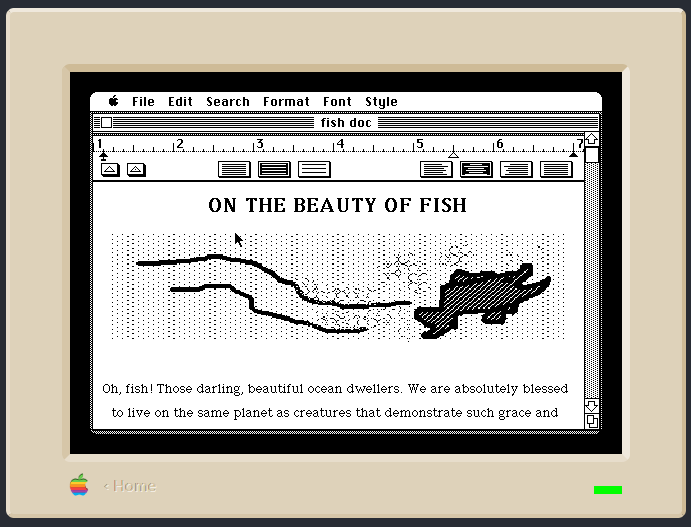
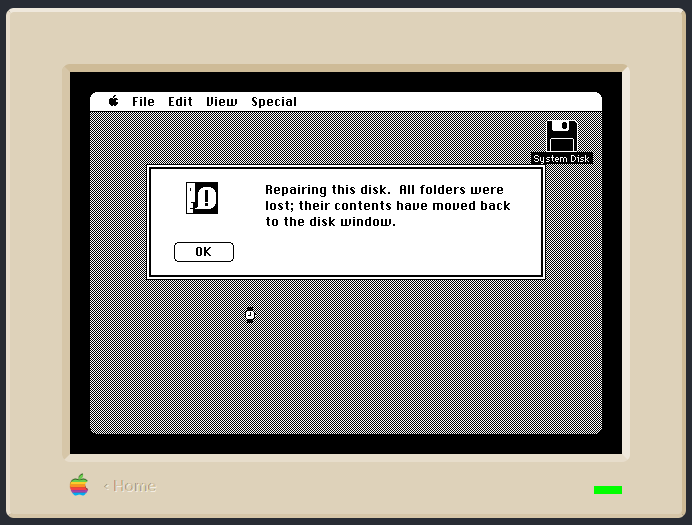
We start to run into some... issues with our operating system when you try and spin too many plates at once. There's the previously mentioned system crash when we tried using too many desktop accessories, and if you have multiple finder windows and a complex program open then the system runs out of memory. Sometimes, it even has to use part of the disk as memory, and will then try to reconstruct it after you're done. Swap disks often, keep backups of your programs, and keep your desktop tidy!
Is System One usable in a modern context? With the right setup, the printer and another disk drive at the ready on real hardware, yes! It can be used to type up letters, do the books, make greeting cards, work presentations, financial reports, and even play some games on the side if you'd like. It does everything a computer at the time would be expected to do, and it looks cute doing it. Just, make sure to install a fan in that original Macintosh OK? They didn't come with one from the factory and they like to cook themselves to death. Also recap your analog board, those capacitors are fourty years old.
So System One and an original Macintosh are usable in the context of 1984, but in todays context? Well, you can use MacTerminal and get online through a bulletin board service, and you can play some games, but uhh yea no. No music library management, no discord, no image editing, no web development, no old console emulation, none of the things we do most with our modern computer! We could live with it easily, but it would be a lifestyle change. Hm, maybe we just need to learn to love our modern computer a little bit more instead of embracing old tech...
Click here to return to the blog hub